


Looking for a powerful free video editor no watermark that works smoothly on both mobile and desktop? Whether you’re editing for YouTube, Instagram, school, or business — watermark-free editing tools are a must. In this post, we explore 10 powerful, genuinely free video editing apps for 2025 — tested, trusted, and completely watermark-free.
1. DaVinci Resolve – Pro-Level Free Video Editor No Watermark (Windows / Mac / Linux)
DaVinci Resolve is a professional-grade video editor trusted by filmmakers and YouTubers alike. It offers powerful color grading, audio mixing, and visual effects for those who want cinematic-level control.
- Best For: Professional editing, YouTube, color grading
- Top Features: Color correction, Fusion VFX, Fairlight audio, timeline proxy mode, cut page for speed editing
- Settings Tip: Use “Proxy Mode” for faster editing on low-end PCs
- Direct Link: Download DaVinci Resolve
Link: https://www.blackmagicdesign.com/products/davinciresolve/
2. Shotcut – Open-Source Free Video Editor No Watermark (Windows / Mac / Linux)
Shotcut is an open-source, user-friendly editor ideal for creators who need a reliable tool without limits on formats or export quality.
- Best For: Beginners to intermediate users who need format flexibility
- Top Features: Native timeline editing, wide format support, GPU acceleration, filters, keyframes
- Settings Tip: Enable GPU acceleration in Settings > Display Method
- Direct Link: Download Shotcut
- Link: https://shotcut.org/download/
3. OpenShot – Beginner-Friendly Free Video Editor No Watermark (Windows / Mac / Linux / ChromeOS)
OpenShot is a lightweight, beginner-friendly editor perfect for school projects, quick reels, and drag-and-drop simplicity.
- Best For: Students, basic social media editing
- Top Features: Unlimited tracks, drag & drop, real-time previews, 400+ transitions
- Settings Tip: Turn on “Real-time Preview” in preferences to preview effects faster
- Direct Link: Download OpenShot
- Link: https://www.openshot.org/download/
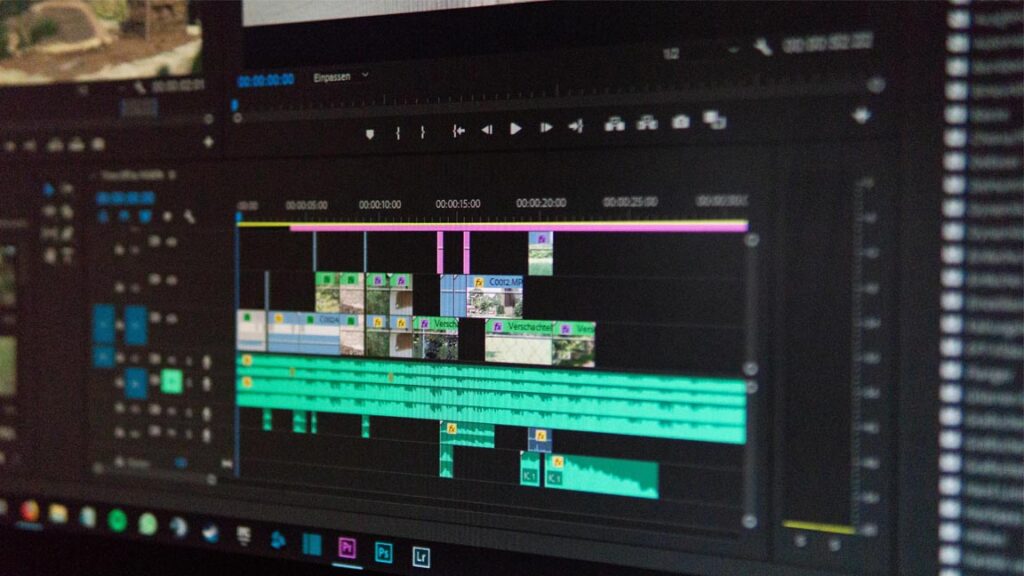
4. Kdenlive – Advanced Free Video Editor No Watermark (Windows / Mac / Linux)
Kdenlive is a powerful open-source editor offering pro-level features for creators who want control and speed, especially for multicam and effects-heavy projects.
- Best For: Multicam editing, semi-professionals
- Top Features: Multitrack timeline, title editor, effects stack, auto-backups, proxy editing
- Settings Tip: Use the “Render using proxy” option for fast previews on heavy projects
- Direct Link: Download Kdenlive
- Link: https://kdenlive.org/en/download/
5. iMovie – Apple’s Free Video Editor No Watermark (Mac / iPhone / iPad)
iMovie is Apple’s go-to editing tool, perfect for casual creators looking to produce cinematic videos effortlessly on iPhone, iPad, or Mac.
- Best For: Apple users creating short films or social videos
- Top Features: Built-in templates, cinematic mode, background blur, transitions
- Settings Tip: Use “Magic Movie” mode to auto-edit from clips
- Direct Link: Download iMovie
- Link: https://apps.apple.com/us/app/imovie/id377298193
6. VSDC – Windows Free Video Editor No Watermark (Windows)
VSDC is a versatile non-linear video editor for Windows users who need advanced features without upgrading to paid software.
- Best For: Windows users who want non-linear editing
- Top Features: Masking, motion tracking, audio waveform editing, chroma key, video stabilization
- Settings Tip: Turn on hardware acceleration under Settings > Acceleration Options
- Direct Link: Download VSDC
- Link: https://www.videosoftdev.com/free-video-editor
7. VideoProc Vlogger – Free Video Editor No Watermark for Vloggers (Windows / Mac)
VideoProc Vlogger is made for modern content creators who film on GoPros or smartphones and want clean speed control and effects.
- Best For: Vloggers, GoPro users, camera footage editing
- Top Features: Speed ramping, motion crop, lens distortion correction, freeze frame
- Settings Tip: Use “Auto Frame Resize” for matching resolutions between clips
- Direct Link: Download VideoProc
- Link: https://www.videoproc.com/video-editors/free-video-editing-software.htm
8. ActivePresenter – Free Video Editor No Watermark for Tutorials (Windows / macOS)
ActivePresenter is ideal for educators and trainers — combining screen recording and interactive elements in a single editor.
- Best For: Tutorial creators, educators, course designers
- Top Features: Screen recorder, interactive quizzes, annotations, webcam overlay
- Settings Tip: Use “Smart Capture” for precise click-based recording
- Direct Link: Download ActivePresenter
- Link: https://atomisystems.com/activepresenter/download/
9. CapCut – Mobile Free Video Editor No Watermark (Android / iOS / Desktop / Web)
CapCut is a mobile-friendly powerhouse for TikTok and Shorts creators, offering stylish edits, captions, and transitions in a tap.
- Best For: TikTok, Reels, Shorts content
- Top Features: Auto captions, music sync, slow-mo, AI text-to-speech, filters, effects
- Settings Tip: Turn on “HD Export” in output settings for higher quality
- Direct Link: Download CapCut
- Link: https://www.capcut.com/
10. YouCut – Best Free Video Editor No Watermark for Android (Android)
YouCut is an ad-free, watermark-free editor designed for fast mobile video edits with all essential tools and export options.
- Best For: Fast mobile edits without ads or watermark
- Top Features: Trim, cut, background blur, reverse video, chroma key, merge
- Settings Tip: Tap “Export Settings” > select 1080p for best quality output
- Direct Link: Download YouCut
- Link: https://play.google.com/store/apps/details?id=com.camerasideas.trimmer
FAQs (Frequently Asked Questions) ❓
1. Which is the best free video editor with no watermark for PC?
DaVinci Resolve and Shotcut are top choices for PC users. DaVinci is great for professional work, while Shotcut is lightweight and beginner-friendly.
2. Can I use free video editors with no watermark for YouTube?
Yes, all 10 tools listed in this post are perfect for YouTube. Tools like CapCut, iMovie, and VideoProc Vlogger offer features optimized for YouTube creators.
3. Are these editors truly free with no hidden watermarks?
Yes. Every editor mentioned here is genuinely free and does not add any watermark on exported videos.
4. What’s the best free video editor with no watermark for Android?
YouCut and CapCut are excellent options for Android. Both offer full editing features with no watermark, even in the free version.
5. Which editor is best for screen recording and tutorials?
ActivePresenter is best for tutorials. It supports screen capture, quizzes, webcam overlay, and timeline editing without watermarks.
Final Thoughts & Conclusion 🎯
Choosing the right free video editor no watermark depends on your device, skill level, and creative needs. From DaVinci Resolve’s pro-level tools to CapCut’s mobile simplicity — there’s something for everyone.
If you’re just starting out, OpenShot or Shotcut offer simple interfaces. For vloggers and social media creators, VideoProc Vlogger, YouCut, or CapCut make editing easy and fun. Educators will love ActivePresenter for its dual recording + editing power.
These tools prove you don’t need to pay or put up with watermarks to create high-quality content. Try a few from this list and find what works best for your workflow. 🎥✨



Very informative